A Complete Guide to Sales Tax Collection for U.S. Online Stores

As the world of e-commerce continues to grow, so does the complexity of sales tax regulations. Online store owners in the United States must navigate a maze of state and local tax laws, which can often seem overwhelming. Failing to comply with these rules can result in hefty fines and penalties. In this guide, we’ll explore everything you need to know about sales tax collection for your U.S. online store, from understanding your obligations to automating the process for efficiency.
Understanding Sales Tax in the U.S.
What is Sales Tax?
Sales tax is a consumption tax imposed by state and local governments on the sale of goods and services. This tax is paid by the consumer at the point of purchase, and the retailer is responsible for collecting and remitting the tax to the appropriate tax authorities. In most cases, sales tax is calculated as a percentage of the sale price of the item or service being purchased.
The specific rules regarding which goods or services are taxable and at what rate vary from state to state. For example, some states exempt certain products like food, clothing, or medical supplies, while others tax those same items. Sales tax is typically added at checkout, and the retailer remits the collected tax to the relevant taxing authority, usually on a monthly, quarterly, or annual basis, depending on the state.
Why Sales Tax Varies by State
Each state has the authority to set its own sales tax rate and determine what goods and services are taxable. In addition to state-level tax, many cities, counties, and other local jurisdictions impose their own sales taxes, which can further complicate the tax process. For example, while California has a statewide sales tax rate, cities like Los Angeles or San Francisco can impose additional local sales taxes on top of the state rate.
This variation means that a business must not only be aware of the state sales tax rates in the states where it has nexus, but also any local rates in those areas. For an online store that ships to various locations across the U.S., keeping track of these rates can be a significant challenge without the right tools.
Sales Tax Nexus
The concept of “nexus” is fundamental to determining whether a business is required to collect sales tax. Nexus refers to a business’s connection to a state or local jurisdiction that triggers a sales tax obligation. If your business has nexus in a state, you are required to collect and remit sales tax on sales made to customers in that state.
There are two primary types of nexus:
- Physical Nexus: If your business has a physical presence in a state, such as an office, employees, or inventory, you are required to collect sales tax in that state. This could also include having a warehouse, a retail location, or even a sales representative working in the state.
- Economic Nexus: After the South Dakota v. Wayfair Supreme Court ruling in 2018, states were granted the ability to impose sales tax obligations on out-of-state sellers based on economic factors, such as the total sales revenue or number of transactions within the state. States with economic nexus laws can require online stores to collect sales tax if they exceed certain thresholds, even if the business has no physical presence in that state.
For example, in South Dakota, a business is required to collect sales tax if it makes more than $100,000 in sales or conducts 200 or more separate transactions in the state. Other states have similar thresholds, but they can vary widely, so it’s essential for online businesses to track their sales and monitor state-specific rules.
How to Determine Your Sales Tax Obligations
Identifying States Where You Have Nexus
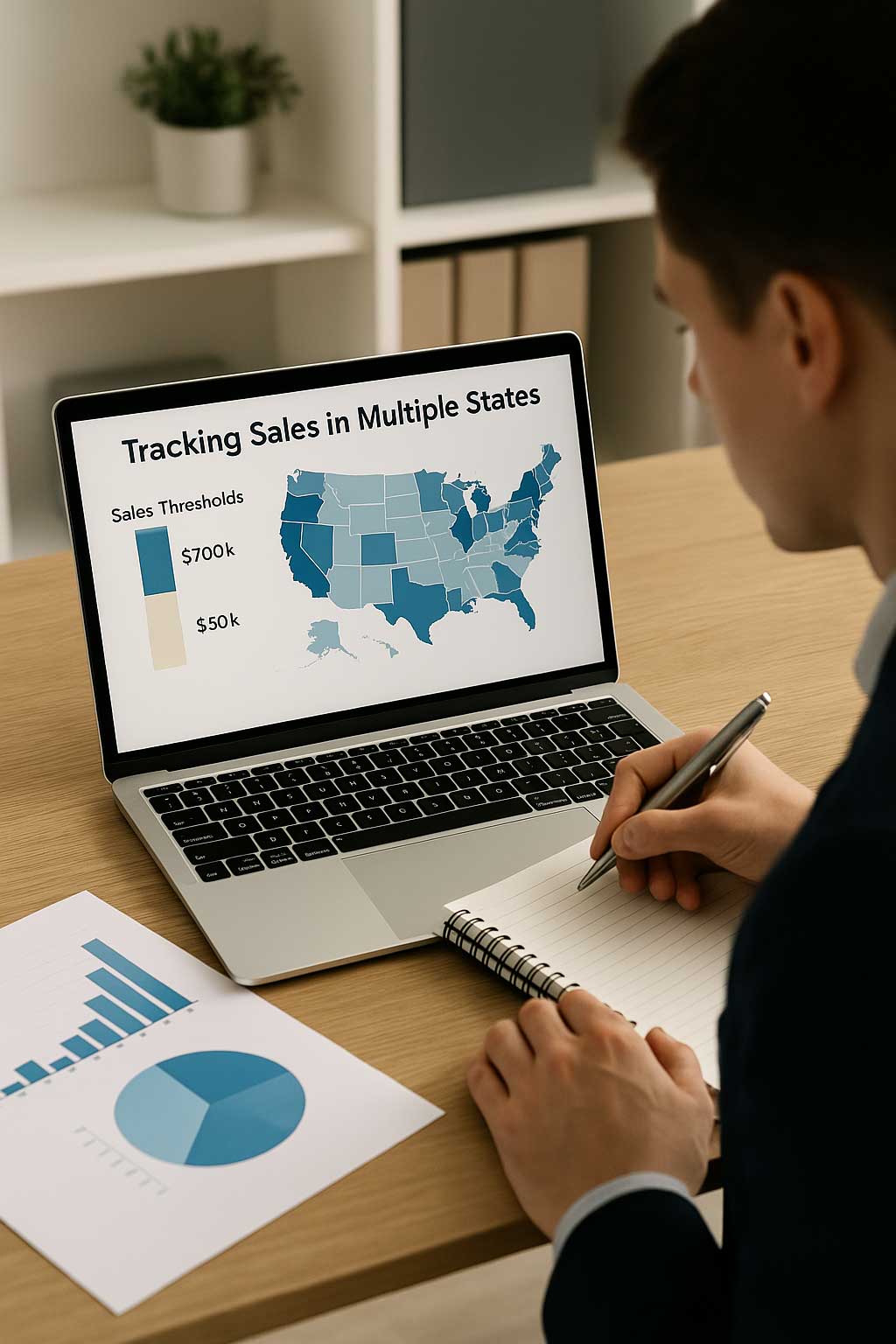
The first step in determining your sales tax obligations is to figure out where you have nexus. If you have a physical presence in a state, such as an office, warehouse, or employees, you will likely be required to collect sales tax in that state. However, if you don’t have a physical presence but are still exceeding the sales thresholds in a state, you may have economic nexus and be required to collect sales tax there as well.
For example, if you run an online store and ship products to customers across the country, you may have nexus in several states, including those where you have employees or warehouses, or even states where your sales volume exceeds a certain threshold. To ensure compliance, you need to track your sales activity in each state and ensure you are registered to collect sales tax where necessary.
Sales Tax Thresholds for Different States
Each state has established its own threshold for economic nexus. For instance:
- California: If your gross sales in California exceed $500,000 annually, you must collect sales tax from California residents.
- Texas: The threshold is set at $500,000 in annual sales.
It’s important to regularly monitor your sales volume in each state where you ship products. If you cross these thresholds, you must register with that state’s tax authority and start collecting sales tax. Some states have different thresholds for the number of transactions, while others only consider the sales revenue.
Sales Tax Collection Process
Setting Up Sales Tax in Your Online Store
Once you’ve identified the states where you need to collect sales tax, you must configure your online store to calculate and collect the appropriate tax. E-commerce platforms like Shopify, WooCommerce, and BigCommerce have built-in tools to help you set up sales tax collection. These platforms use the customer’s shipping address to determine the correct sales tax rate based on the location and automatically apply it during checkout.
For example, Shopify offers an automatic tax calculation feature that can help you set tax rates for all U.S. states based on their respective laws. It can also integrate with tax automation tools like TaxJar, Avalara, or Taxify for more precise calculations, especially if your store operates in many states with varying tax rates.
Sales Tax Calculation
The sales tax rate applied to each order is based on several factors:
- Product Type: Different products may have different tax rates depending on the state. For example, food and clothing may be exempt in some states but taxable in others. Additionally, some states may apply a lower rate for specific goods like medicine or books.
- Location: The sales tax rate depends on the customer’s location—both the state and sometimes the local area (city or county). This is why accurate address information is essential at checkout.
- Shipping Charges: Some states tax shipping and handling charges, while others do not. In cases where shipping is taxable, the rate may depend on the type of delivery service used (e.g., regular vs. expedited shipping).
Collecting Sales Tax from Customers
Once the sales tax has been calculated, you must display the tax amount to the customer during checkout, showing the total amount of tax being charged. Clear communication regarding sales tax ensures transparency and builds trust with customers. Be sure to indicate the sales tax rate (as a percentage) and provide a breakdown of how it’s calculated.
It’s essential that your store’s checkout process includes a detailed breakdown of the sales tax, along with the final order total. This helps customers understand how much they are paying in tax, reducing confusion and the likelihood of customer complaints.
Managing and Remitting Sales Tax
Sales Tax Filing Requirements
After collecting sales tax, you are required to remit it to the appropriate state or local authorities. The frequency with which you need to file and remit tax depends on the amount of sales tax you’ve collected and the state’s filing schedule. States typically have monthly, quarterly, or annual filing requirements.
It’s crucial to stay on top of your filing deadlines to avoid late fees and penalties. Online businesses that operate in multiple states may have to file separate returns for each state. Many states now offer online portals where you can file and remit sales tax payments, making the process more convenient and efficient.
How to Remit Sales Tax
To remit sales tax, you must submit a payment to the state or local tax authority. This can usually be done through an online portal provided by the state’s Department of Revenue. Many states allow electronic payments, which can streamline the process and reduce the chances of errors.
If your state requires filing on a monthly or quarterly basis, you will need to keep track of how much sales tax you’ve collected during that period. Make sure to remit the correct amount based on your filings to avoid penalties.
Recordkeeping Best Practices
Proper recordkeeping is essential to ensure compliance with state tax laws. You must maintain accurate records of all sales tax collected, filed, and remitted. These records should include invoices, sales tax returns, and payment receipts. In the event of an audit, you’ll need to provide these records to demonstrate your compliance.
The IRS and most state tax authorities recommend retaining these records for at least four years. Using accounting or sales tax automation software can simplify this process, making it easier to track and report your sales tax obligations.
Common Sales Tax Mistakes and How to Avoid Them

Not Registering for Sales Tax in All Nexus States
One of the most common mistakes online store owners make is failing to register for sales tax in states where they have nexus. This can result in back taxes, penalties, and interest charges. Be sure to track where you have nexus and make sure you’re registered to collect sales tax in all required states. If your sales volume exceeds the thresholds in any state, register promptly to avoid issues.
Misclassifying Products and Services
Different states have different rules for what products and services are taxable. Some goods, like groceries or clothing, may be exempt from sales tax in certain states but taxable in others. Misclassifying these products can lead to overcharging or undercharging sales tax, which could trigger audits or penalties.
Carefully review the sales tax rules in each state where you have nexus to ensure that products are classified correctly. Consider using a tax automation tool that can help you manage product classifications automatically.
Failing to Track Changing Sales Tax Rates
Sales tax rates change regularly, and staying on top of these changes is crucial for compliance. States can alter their sales tax rates, introduce new tax categories, or change exemptions. Sales tax automation tools can help you automatically update your rates, ensuring that your store always collects the correct amount of tax.
Sales Tax Exemptions and Special Cases
Sales Tax Exemptions
Certain customers may be exempt from paying sales tax, such as government entities, nonprofit organizations, or businesses purchasing products for resale. To handle these exempt sales, you must collect exemption certificates from qualifying customers to ensure that you’re not incorrectly charging them sales tax.
Sales Tax on Digital Products and Services
Sales tax rules for digital products, such as eBooks, software, and online services, can vary widely by state. Some states tax digital goods the same way they tax physical products, while others do not tax them at all. It’s important to research the rules in each state where you have nexus to determine whether digital products are taxable.
Using Sales Tax Automation Tools
Benefits of Sales Tax Automation Software
Sales tax automation tools can save you significant time and effort by automatically calculating the appropriate sales tax rates for each transaction, ensuring compliance with state and local laws. These tools can also handle filings, calculate exemptions, and generate the necessary reports, allowing you to focus on other aspects of your business.
Popular Sales Tax Automation Tools
Popular sales tax automation tools include Avalara, TaxJar, and Taxify. These tools integrate with major e-commerce platforms and streamline the tax calculation and remittance process, making it easier for online store owners to stay compliant with minimal effort.
Navigating Sales Tax Changes and Future Trends
Recent Legal Changes Impacting Sales Tax Collection
The 2018 South Dakota v. Wayfair Supreme Court ruling drastically changed the sales tax landscape for online sellers. The ruling allowed states to require businesses to collect sales tax based on economic nexus, even if the business doesn’t have a physical presence in the state. This has expanded sales tax obligations for many online businesses, particularly small businesses that sell across state lines.
Trends in Sales Tax for Ecommerce
Sales tax laws are evolving rapidly, with states looking to expand their sales tax base to include more products and services, particularly in the digital realm. Online businesses need to stay informed about these changes and ensure their sales tax processes are adaptable.
Sales tax collection is a vital aspect of running a compliant and successful online store. By understanding your sales tax obligations, setting up efficient systems, and staying up-to-date on legal changes, you can avoid costly mistakes and ensure that your business operates smoothly. The right tools, strategies, and knowledge will help you manage your sales tax responsibilities with confidence, allowing you to focus on growing your online business.