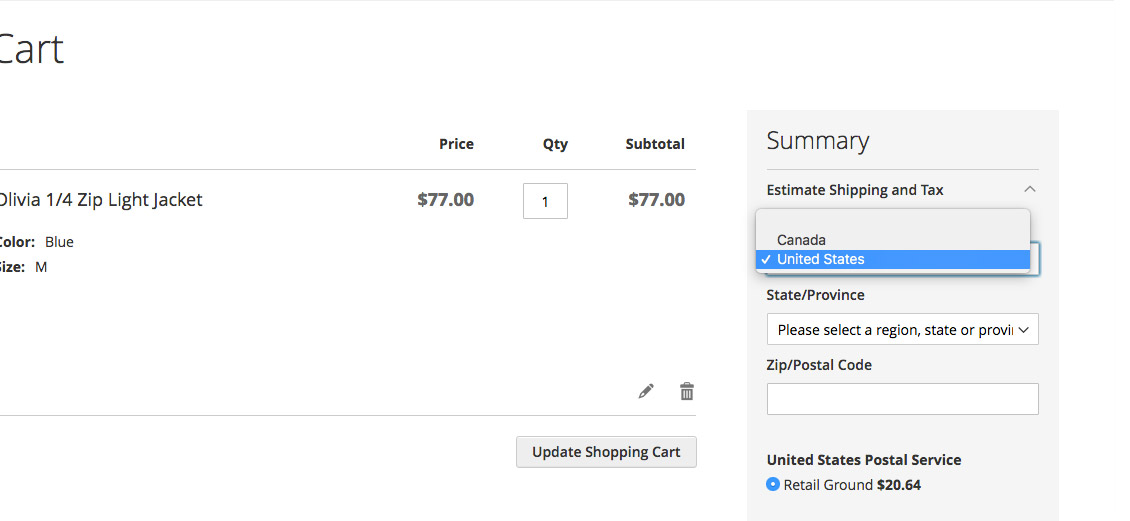
I get this question a lot: “How do I limit the countries in dropdowns for billing and shipping in Magento?” Let’s face it; most online stores don’t sell outside of their borders and if they do it is generally only to nearby countries. So why then should a regional merchant have a list of a hundred countries for shipping and billing options when two or three would suffice? They shouldn’t. So let’s take care of that.
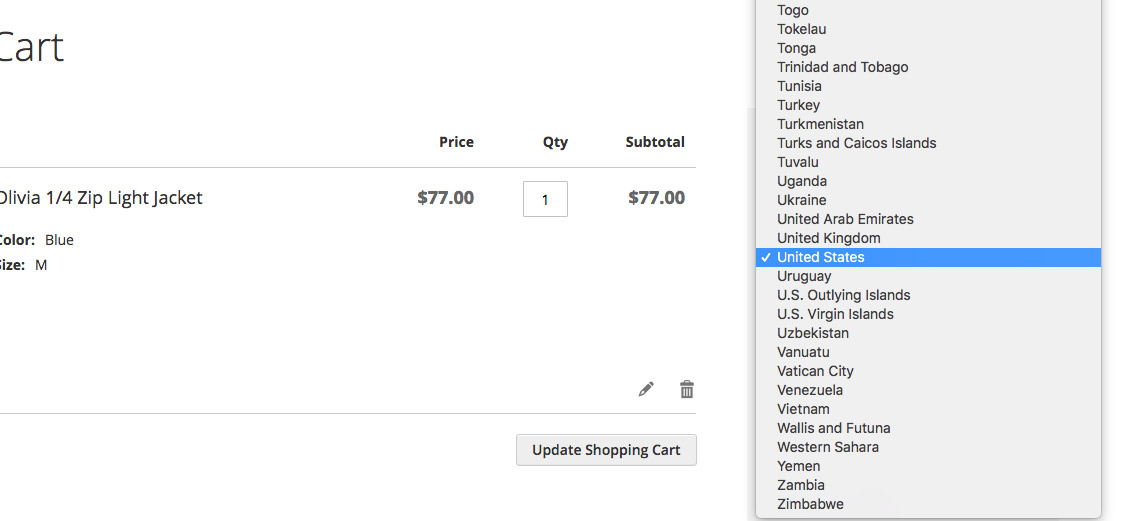
This will work in both Magento 1 & Magento 2, so let’s get started!
1) In the Magento back-end, Navigate to Store>Configuration>General>Country Options (In Magento 1.x, it is in System>Configuration>General>Country Options)
2) Edit the “Allow Countries” field. Hold down the CTRL key (Command on Mac) to select more than one country. Select as many countries as make sense for your store and save.
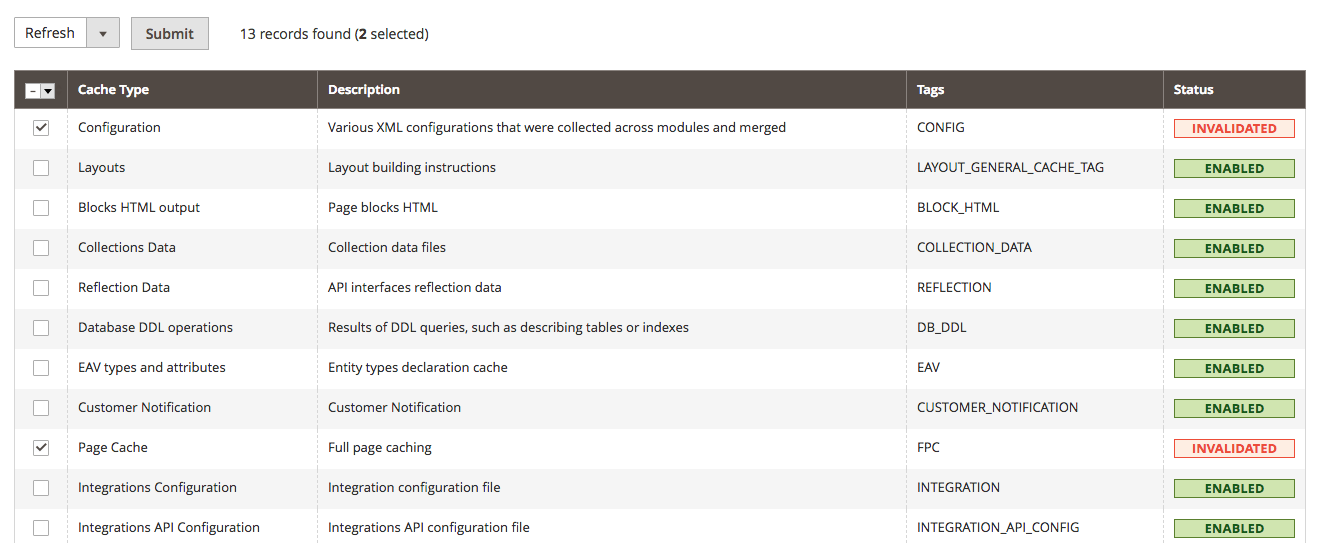
3) Update the store cache, navigate to System>Cache Management. Select “Configuration” and “Page Cache” (in Magento 1.x, select only “Configuration”) and hit refresh.
4) Navigate to the front-end of the website and test. You now have limited the country options for the store.