What to Include in Your Online Store to Build Trust (And What to Avoid)

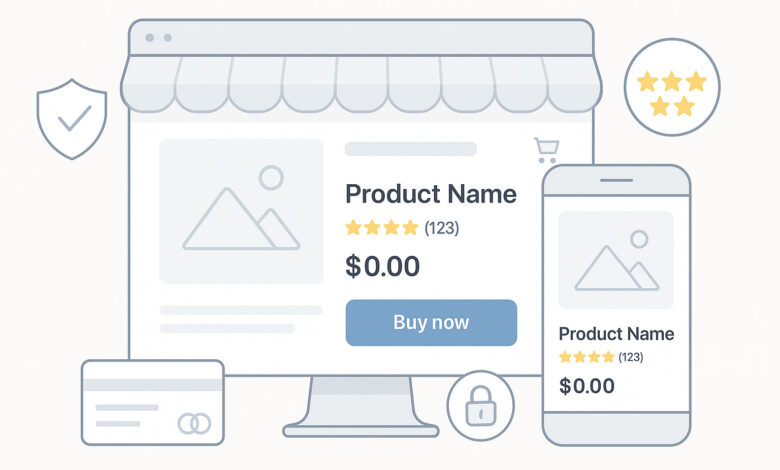
In today’s eCommerce landscape, trust isn’t a luxury—it’s a necessity. With online shoppers becoming more informed and selective, every element of your store must work to establish credibility. A polished Instagram feed or viral product can drive traffic, but it’s trust that drives conversions and long-term loyalty.
As a merchant, it’s your job to ensure every aspect of your online store signals that you are reliable, legitimate, and customer-focused. Here’s a comprehensive look at what your store must include to earn trust—and what you should avoid at all costs.
What to Include to Build Trust
Clear and Consistent Branding
Your brand is the face of your business. If it feels unprofessional or inconsistent, it raises red flags before a customer even starts browsing.
- Visual Consistency: Use a well-designed logo, a defined color palette, and consistent typography across your homepage, product pages, and checkout flow. Inconsistencies create friction and reduce perceived quality.
- Voice and Tone: The way you write—product descriptions, email copy, headlines—should reflect your brand’s personality. Whether it’s playful, luxurious, or minimalist, consistency builds familiarity, which in turn builds trust.
- Design Cohesion: Make sure your site doesn’t look pieced together with random themes, widgets, or fonts. A cohesive look and feel shows that you’ve invested in your customer experience.
Secure Checkout with Visible Trust Signals
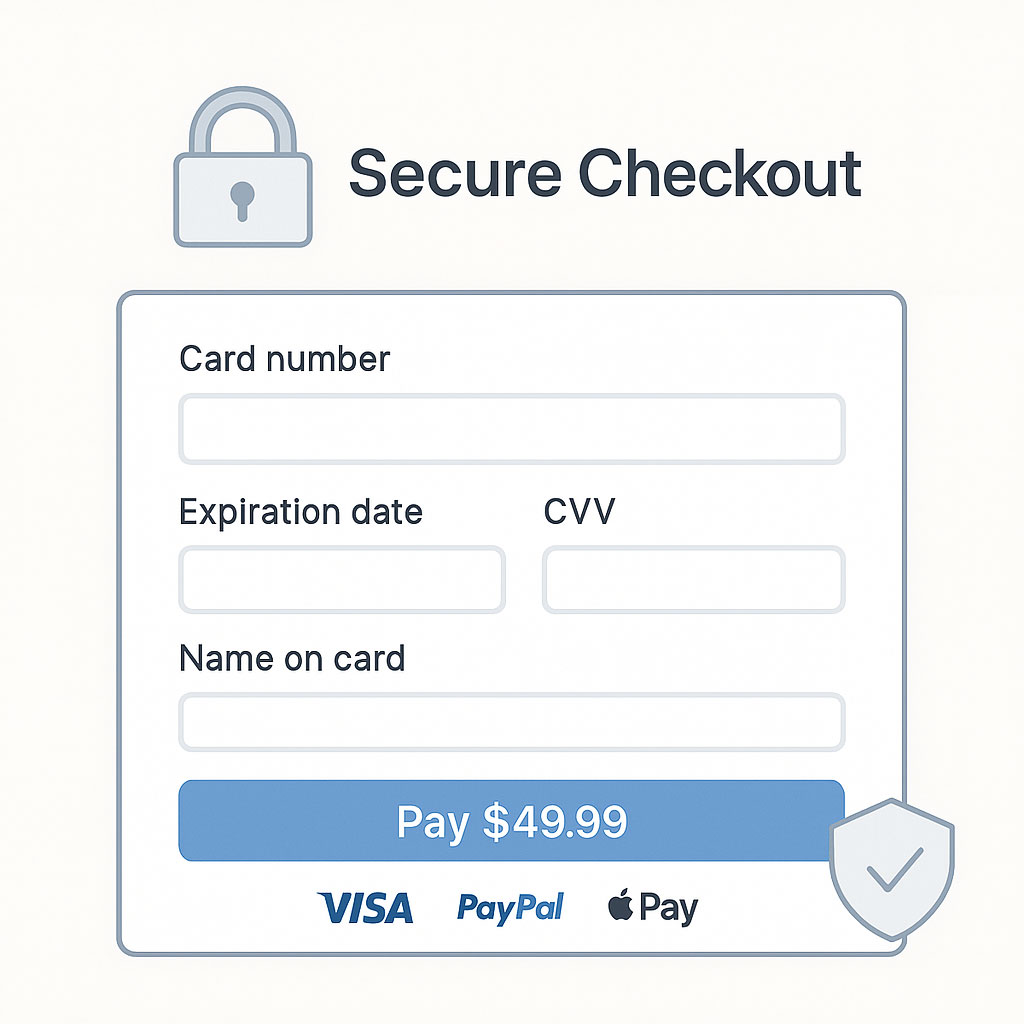
Shoppers are increasingly concerned about where and how they share their payment information online. A secure, seamless checkout experience is one of the most critical points of trust in your store.
- SSL Certificates: Your site should have HTTPS encryption sitewide. This isn’t optional—modern browsers will even warn users if a page isn’t secure.
- Trusted Payment Gateways: Offer well-known, secure options like Stripe, PayPal, Apple Pay, or Shop Pay. Avoid asking for unnecessary payment information.
- Visible Trust Badges: Display security icons or badges (such as Norton Secured or “Verified by Visa”) in your footer or during checkout. While subtle, these cues reassure customers that their information is safe.
Detailed Product Pages
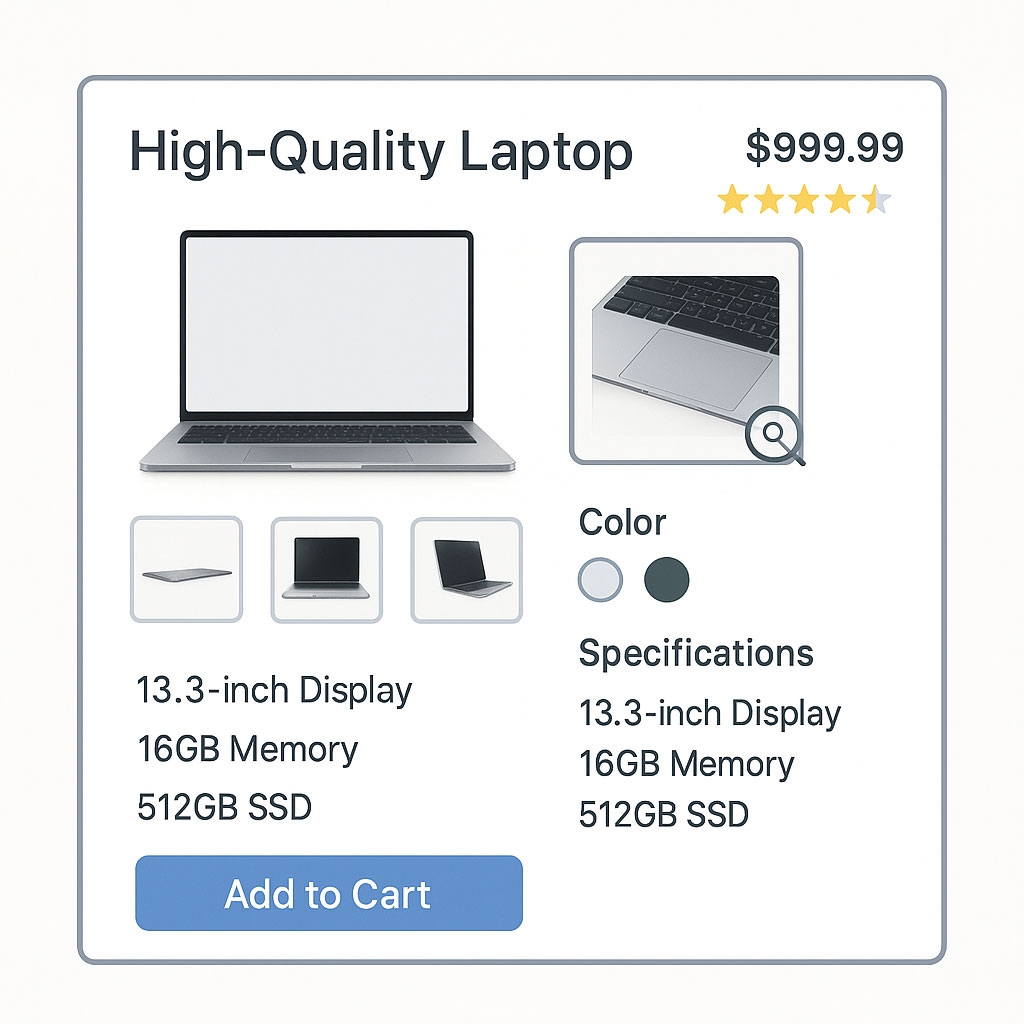
Customers can’t touch, try, or test your products online, so your product pages need to do the heavy lifting to build confidence.
- High-Quality Images: Show your product from multiple angles, include zoom-in functionality, and if possible, add video. Avoid using grainy, generic, or manufacturer-provided photos without context.
- Thorough Descriptions: Include dimensions, materials, benefits, care instructions, and use cases. The more questions you answer upfront, the more confident a shopper feels.
- Clear Pricing and Availability: Avoid hidden fees or ambiguous pricing structures. Be upfront about taxes, shipping costs, and stock levels.
- Customer Reviews and Ratings: Display user-generated reviews to help new customers make informed decisions. Highlight verified purchases and feature a mix of ratings to ensure authenticity.
Transparent Store Policies
One of the fastest ways to lose trust is by hiding or obscuring your store’s policies. People want to know what to expect before they make a purchase, especially if something goes wrong.
- Shipping Information: Clearly outline shipping rates, estimated delivery times, international options, and tracking availability.
- Return and Refund Policy: Make your policy easy to understand, fair, and customer-friendly. Ambiguous or strict return conditions can cause hesitation.
- Privacy Policy: Be transparent about how you collect, use, and store customer data. Include this in your footer and ensure it complies with local regulations (such as GDPR or CCPA).
- Terms and Conditions: Include a terms page that outlines customer responsibilities, limitations of liability, and disclaimers.
Real Customer Reviews and Social Proof

Social proof is one of the most powerful drivers of trust in e-commerce. When potential customers see others having a good experience with your product or brand, it reassures them they’re making the right decision.
- Verified Reviews: Use a review platform that verifies purchases. This prevents fake reviews and builds authenticity.
- User-Generated Content: Showcase customer photos or videos using your product. This can increase engagement and act as visual proof of customer satisfaction.
- Testimonials and Case Studies: For higher-ticket or niche products, consider adding testimonials or mini case studies to explain how your product solves real problems.
Professional Contact Options
When customers know they can reach you easily, they feel safer making a purchase—even if they never actually contact you.
- Dedicated Contact Page: Include a separate page with an email address, contact form, and if applicable, a phone number or live chat.
- Branded Email Address: Avoid using generic Gmail or Yahoo addresses. Use a professional email (e.g., support@yourstore.com) to reinforce credibility.
- Physical Address or Business Info: If you’re a registered business, including your mailing address or company registration can add another layer of trust.
What to Avoid (Major Red Flags)
Overuse of Pop-ups and Distractions
While tools like email capture pop-ups and discount offers can boost conversions, overusing them can overwhelm or annoy users.
- Cluttered Experience: Too many modals, banners, or exit-intent offers make your site feel pushy and unprofessional.
- Poor Timing: Showing a pop-up the moment someone lands on your site can interrupt their experience. Give visitors a moment to engage before offering incentives.
- Unclear Close Buttons: If users can’t easily close a pop-up or modal, they’ll bounce. Always prioritize user experience over aggressive marketing.
Generic or Stolen Product Imagery
Visual content is often the first thing customers notice. Using unoriginal or deceptive images is a clear sign of a low-quality or scam store.
- Avoid Stock Photos for Products: They strip away uniqueness and trust. Customers want to see what the actual product looks like.
- No Watermarked Images: If you’re using manufacturer-provided photos, ensure you have right to use them and remove any unrelated watermarks.
- Invest in Photography: Even if you start small, original images taken with a phone and good lighting are more trustworthy than stock photos.
Fake Urgency Tactics
Creating urgency can be effective, but if your tactics feel dishonest, they can damage trust permanently.
- False Scarcity: Repeating messages like “Only 3 left in stock” when there are hundreds undermines credibility.
- Resetting Countdowns: Countdown timers that reset every time a user returns are easy to spot and turn customers away.
- Fake Notifications: Pop-ups that show fake purchases or fake locations (“John in Chicago just bought this”) are no longer believable and may trigger doubt instead of excitement.
Inactive or Inconsistent Social Media Presence
Your social presence acts as a public-facing extension of your brand. If your Instagram or Facebook profile is outdated, inconsistent, or lacking engagement, customers may wonder if your store is still active.
- Linked, but Empty Accounts: Don’t link to social platforms unless you’re actively using them.
- Low-Quality Content: Avoid posting low-resolution images, off-brand memes, or irrelevant reposts.
- Unanswered Comments or DMs: Make sure customer inquiries are answered publicly and promptly—it shows you’re paying attention.
Unrealistic or Deceptive Pricing
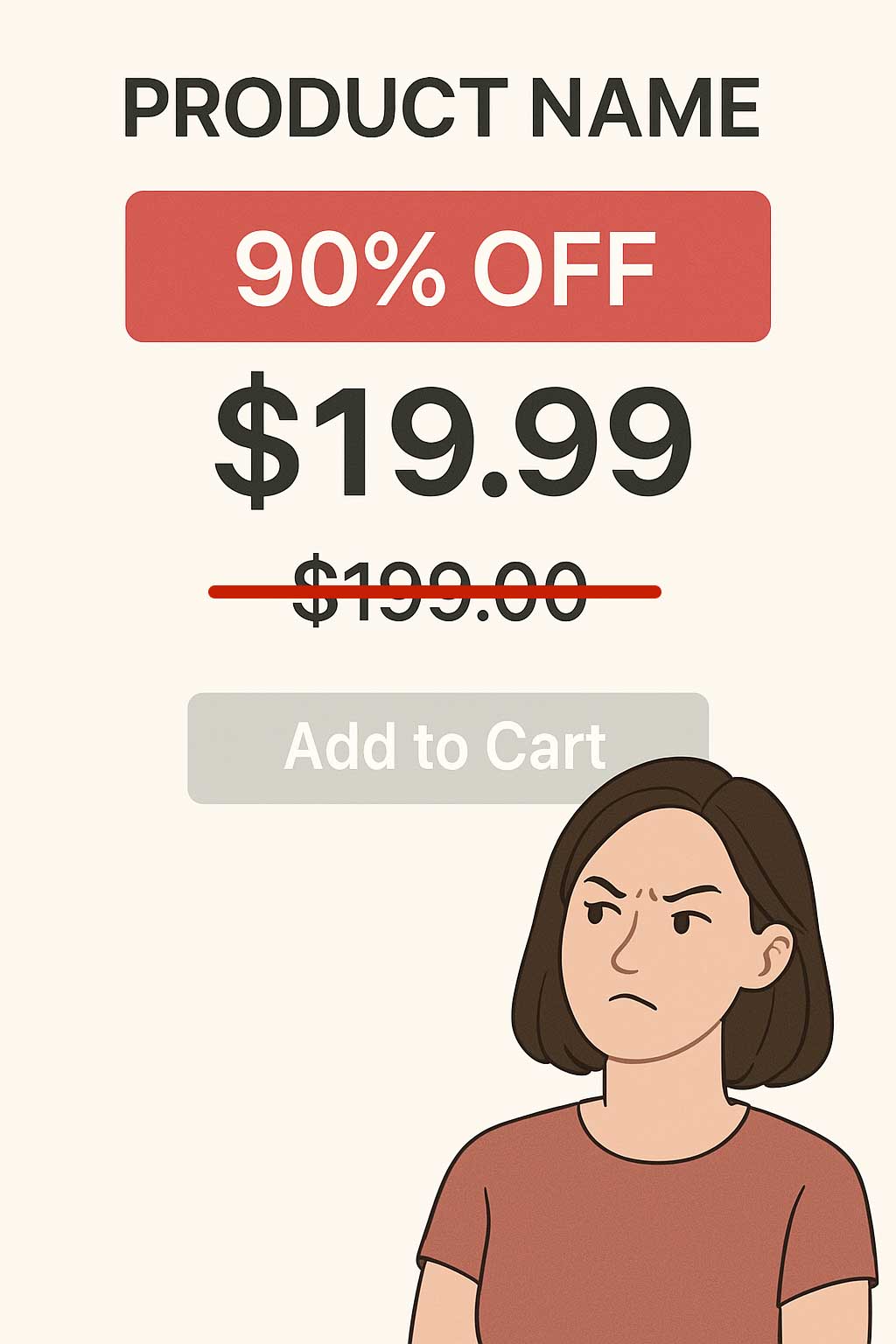
Today’s shoppers are price-conscious and know how to spot a deal that’s too good to be true.
- Extreme Discounts: Offering 90% off everything or creating fake “original prices” can trigger suspicion.
- Hidden Fees: Surprising customers with unexpected shipping charges or taxes at checkout erodes trust.
- Lack of Currency Conversion: If you’re selling internationally, make sure pricing is clear in the shopper’s local currency or provide conversion options.
Building a trustworthy eCommerce store isn’t a one-time task—it’s an ongoing commitment. Every detail, from your branding and checkout process to your customer support and post-purchase emails, should reinforce the idea that you care about your customers and stand behind your product.
By including the right elements and avoiding tactics that come across as desperate or misleading, you don’t just improve conversions—you create a brand people want to buy from again and again.